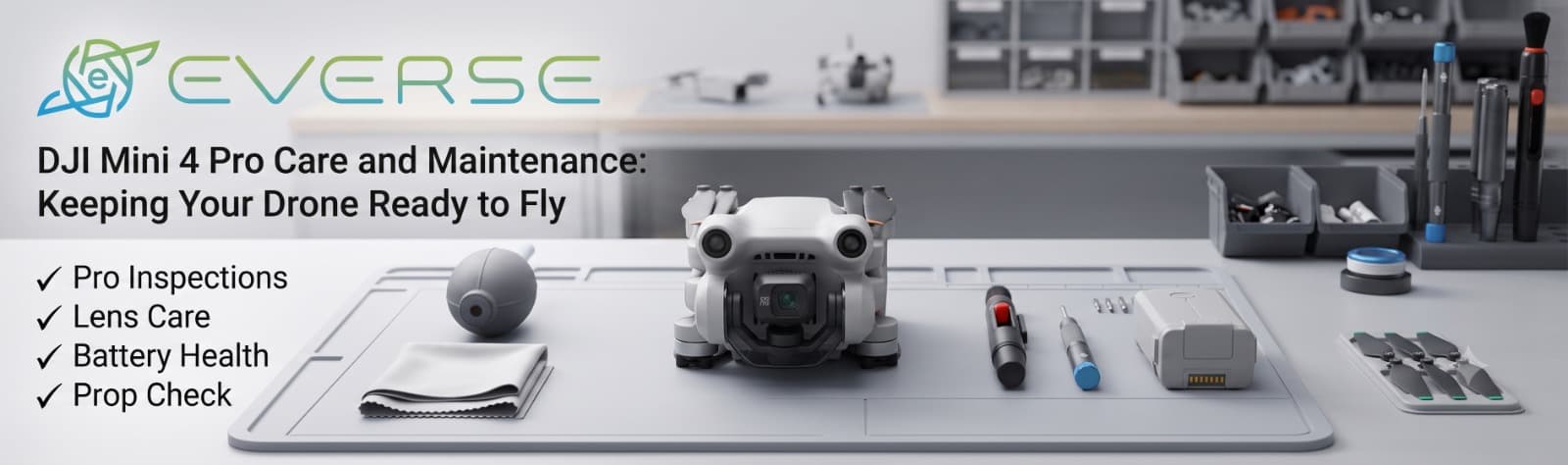
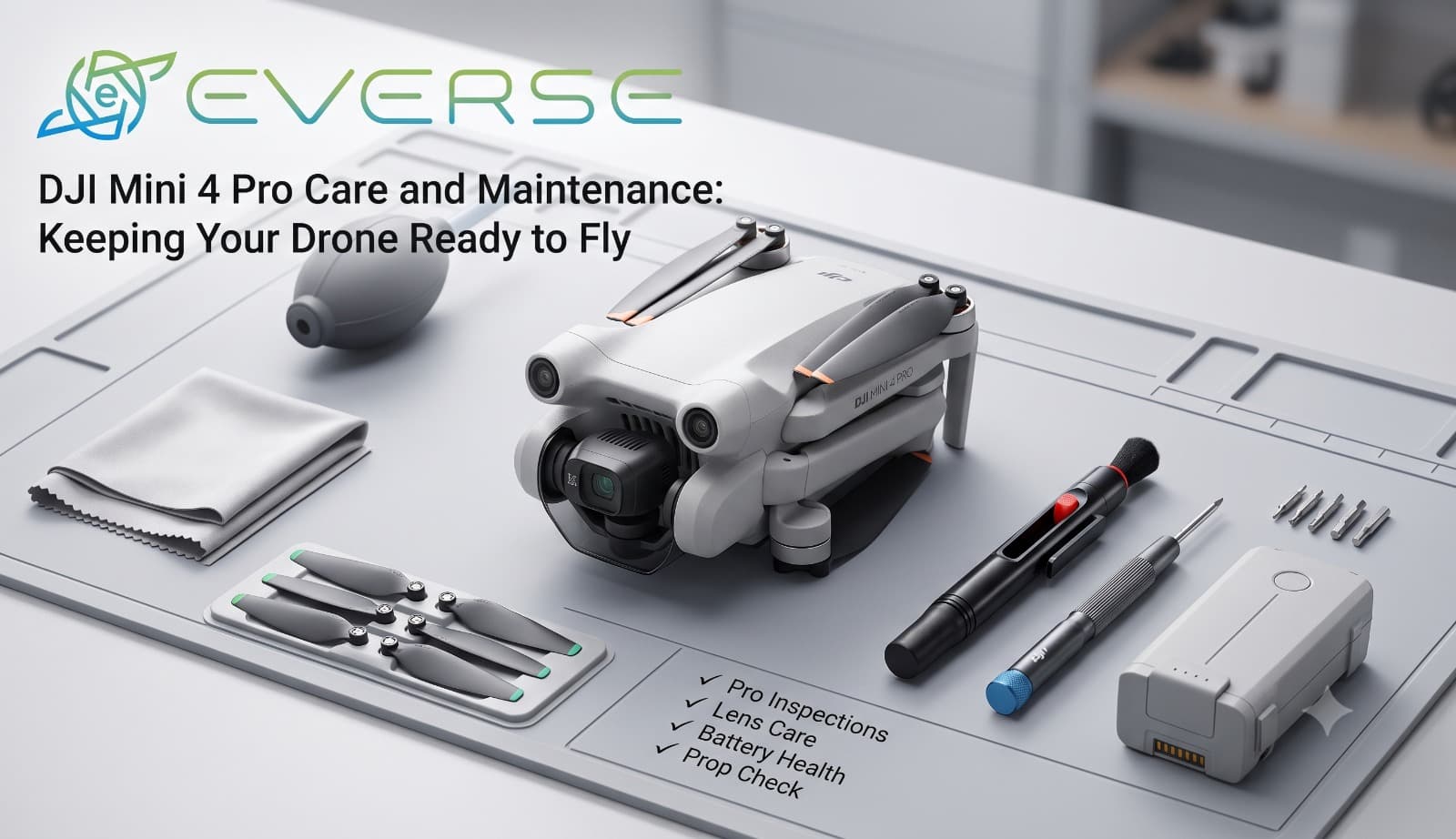
DJI Mini 4 Pro Care and Maintenance: Keeping Your Drone Ready to Fly
A DJI Mini 4 Pro can make a simple evening outdoors feel like a small filmmaking session. You take the drone out, unfold the arms, launch it into the sky and within minutes, an ordinary landscape can look completely different from above.
But after a few flights, it is easy to forget that the drone needs some attention too.
Dust gets into places you don't notice. Propellers pick up tiny scratches. The camera gets fingerprints on it. Batteries are left sitting in a bag for weeks. None of these things may seem serious at first, but together they can affect how safely and reliably the drone flies.
The good news is that taking care of a Mini 4 Pro doesn't have to be complicated.
Before launching, take a few seconds to look over the drone.
Check the arms and body for any visible damage, make sure the propellers are in good condition and confirm that the battery is properly installed. If the drone has been sitting unused for some time, this quick inspection becomes even more important.
It only takes a minute, but that minute can prevent a much bigger problem later.
Propellers are probably the easiest part of a drone to overlook.
After flying close to trees, buildings or rough terrain, they can develop small chips or scratches. Even minor damage can introduce vibration and affect flight performance.
Give each propeller a quick inspection before takeoff. If one looks cracked, badly scratched or deformed, replace it instead of trying to continue flying with it.
Keeping a spare set in the drone bag is a simple habit that can save a lot of frustration during a trip.
One of the main reasons people fly the Mini 4 Pro is its camera. So it makes sense to take care of the part responsible for capturing those shots.
Dust, fingerprints and small particles on the camera lens can quickly become visible in photographs and videos. A clean microfiber cloth or appropriate lens-cleaning method can help keep the lens clear.
The gimbal also deserves some care. Avoid touching or forcing its moving parts, and make sure there is nothing blocking its movement when the drone powers on.
Drone maintenance doesn't stop when the drone comes back home.
The battery should be stored properly and protected from excessive heat, moisture and physical damage. Avoid leaving batteries sitting completely empty for long periods, and don't use a battery that appears swollen or damaged.
If the Mini 4 Pro hasn't been flown for several weeks, checking the battery condition before heading outside is a good habit.
A drone that spends most of its time outdoors is naturally going to get dirty.
After a dusty or sandy flight, gently clean the exterior using suitable dry cleaning tools. Pay attention to the camera area, sensors and gaps around the body.
The important thing is not to turn cleaning into another source of damage. Avoid forcing dirt deeper into openings or using excessive moisture around the electronics.
Sometimes a flight doesn't go exactly as planned.
Maybe the drone lands harder than expected, clips a branch or bumps into something while manoeuvring. Even if it appears fine, don't immediately send it back into the air.
Take a moment to inspect the propellers, motors, arms, body, battery compartment and camera/gimbal system.
If something looks unusual or the drone starts behaving differently, professional inspection is a much better option than hoping the problem disappears on the next flight.
There's another part of maintenance that doesn't involve physically touching the drone: software.
Keeping the DJI Fly app and drone firmware appropriately updated can help maintain compatibility and access improvements introduced by DJI. Before an important shoot or trip, it's worth checking everything beforehand rather than discovering an update is needed just before takeoff.
When the day's flying is over, don't simply throw the Mini 4 Pro into a bag.
Use a protective case, keep the equipment somewhere cool and dry, and make sure nothing is pressing against the gimbal or camera. Good storage is especially important when the drone won't be used for several weeks.
A DJI Mini 4 Pro doesn't need complicated maintenance. What it really needs is consistency.
A quick inspection before flying, clean optics, healthy propellers, properly cared-for batteries and sensible storage can make a noticeable difference over time.
Think of it this way: the few minutes spent looking after the drone after each flight are an investment in the next one. Because when the weather is perfect, the location is beautiful and the shot you've been waiting for is finally in front of you, the last thing you want is a preventable maintenance problem keeping the Mini 4 Pro on the ground.